
The phone rings during a treatment
You answer and interrupt one customer, or do not answer and lose the other.
Your customers see the genuinely available time slots for a person or room, book independently at any time, then reschedule or cancel without calling you.
Solo is free for one calendar0% commission
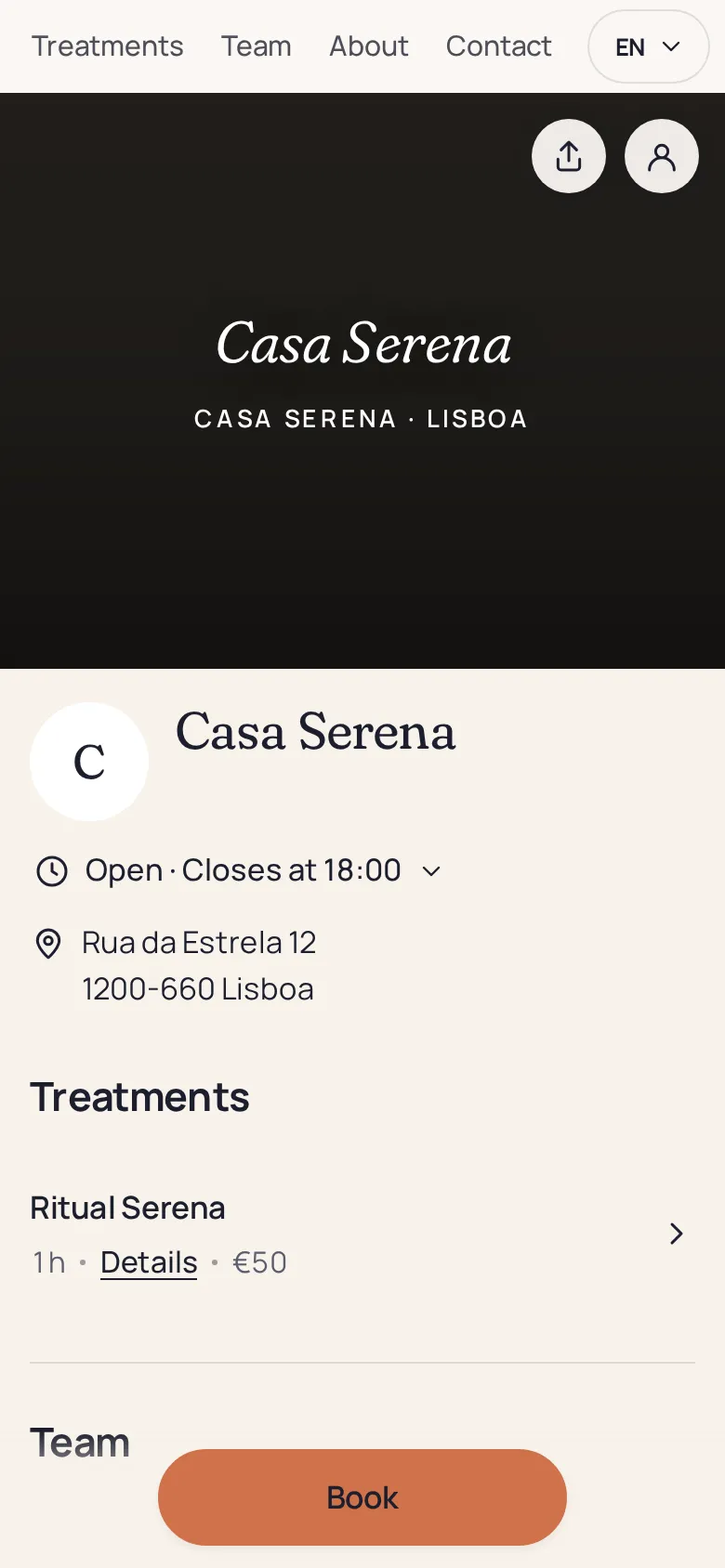
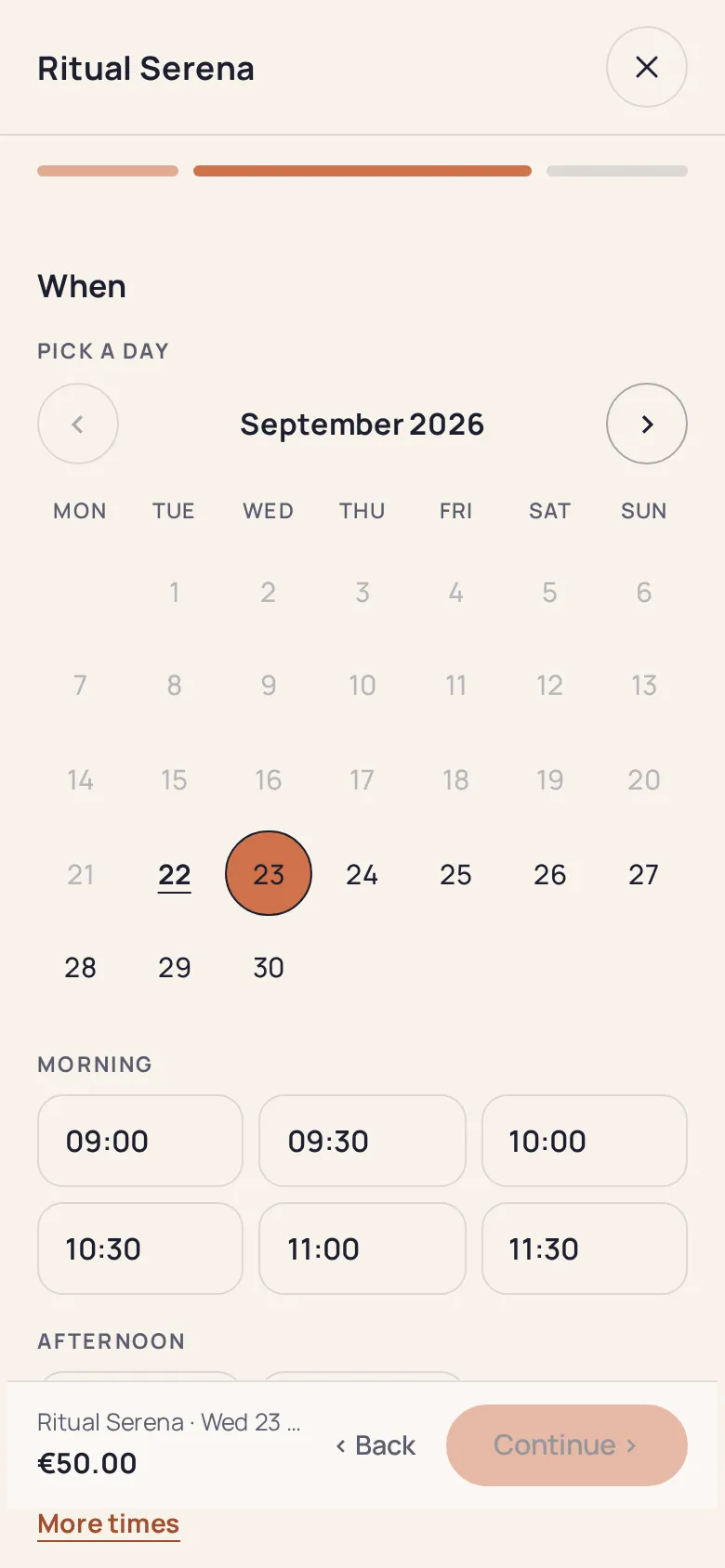
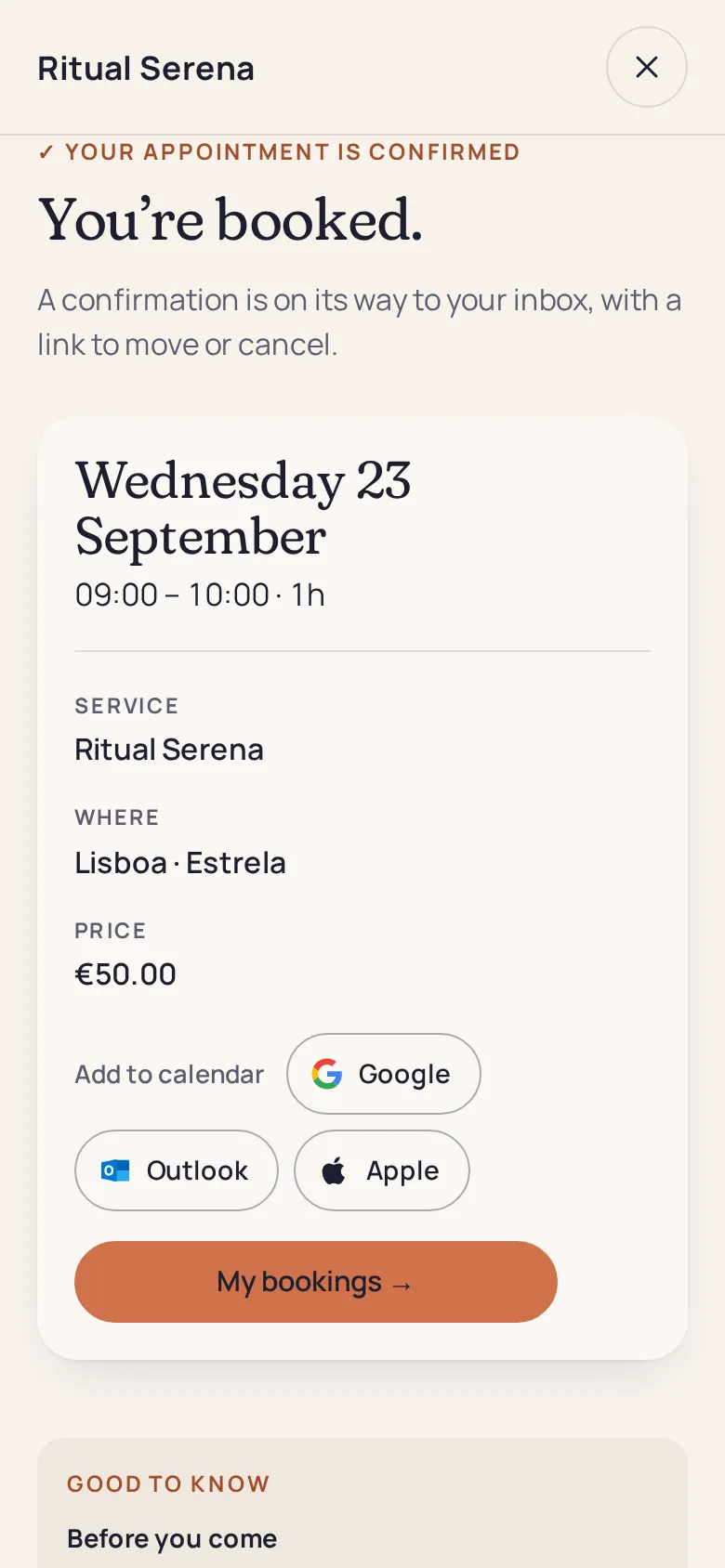
Three situations every independent professional knows, and which online booking helps prevent.
You answer and interrupt one customer, or do not answer and lose the other.
The customer waits until the next day for your reply and books elsewhere in the meantime.
Two people write down the same time, or a room is promised twice.
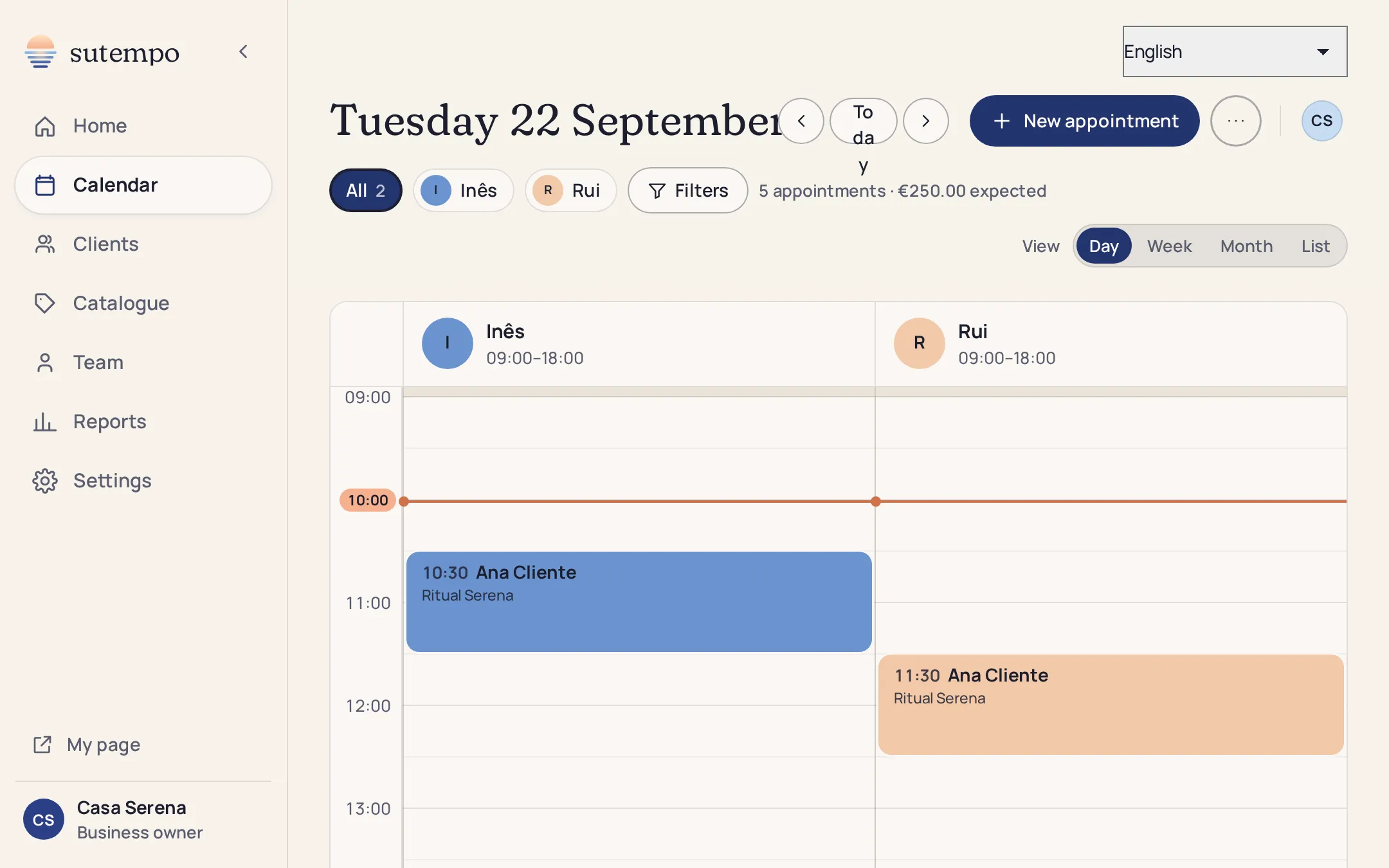
Every online booking appears in the same calendar as appointments you enter yourself. Day, week, month or list view.
Pro from two calendars bookable in parallel.
The initial questionnaire captures your services and opening hours. You can then adjust them in your workspace without configuring everything twice.
A haircut, a 60-minute massage, a room by the hour. Duration, price and description for each.
Your default calendar, or the relevant person, room or equipment. Several offers can share one calendar.
Weekly hours, exceptions and closures. Available slots are calculated from them.
Rescheduling or cancellation deadline, same-day minimum notice, and payment at booking if you wish.
Open the calendar only when you want to. Reminders are sent, customers reschedule their appointments and freed slots return to your page.
Without a specified person, a service uses your shared calendar: two customers cannot book it at the same time.
A second person, room or piece of equipment bookable in parallel requires Pro.
A basket containing several services at once is not available yet.
No SMS: confirmations and reminders are sent by email.
No. The slot is held during booking and payment, then removed from the page. Only slots available at the time of the request are offered.
Yes, from their customer portal or email link, within your cancellation rules. The freed slot becomes bookable again.
Yes. Click an available slot in the calendar. You can also drag an appointment to move it or block a time period.
Yes. A space has its own calendar, and several offers can share its availability. Multiple rooms bookable in parallel require Pro.
It is free with Solo for one calendar, with unlimited appointments. Compare Solo and Pro.

Create your page tonight for free and let your calendar fill up.