

No-shows without warning
The customer forgets or changes their mind, and the slot stays empty.
Request full payment or a deposit when booking. The customer pays by card, the money reaches your Stripe account, and sutempo takes nothing along the way.
sutempo commission: 0%Stripe fees at Stripe’s rates
And when money passes through an intermediary, it costs a little more.
The customer forgets or changes their mind, and the slot stays empty.
Some platforms take a share of every payment passing through them.
When payment goes through an intermediary’s account, you wait for its payout.
The payment page is created directly on your Stripe account. sutempo never holds the funds.
The slot is held during payment so no other customer can take it.
By card and, depending on the methods enabled on your account, Apple Pay or Google Pay.
Paid into your Stripe account, which transfers it to you on its own schedule.
Your own, existing or newly created account. sutempo accesses it only to create payments and refunds for your bookings.
The full price, a percentage deposit (1 to 100%) or a fixed amount, never more than the price.
Always, only if the customer cancels within your deadline, or never. The refund is then sent automatically.
The deposit and balance payable on site are shown before confirmation.
A payment secured by Stripe, under your business name.
With the amount paid and a link to reschedule or cancel under your rules.
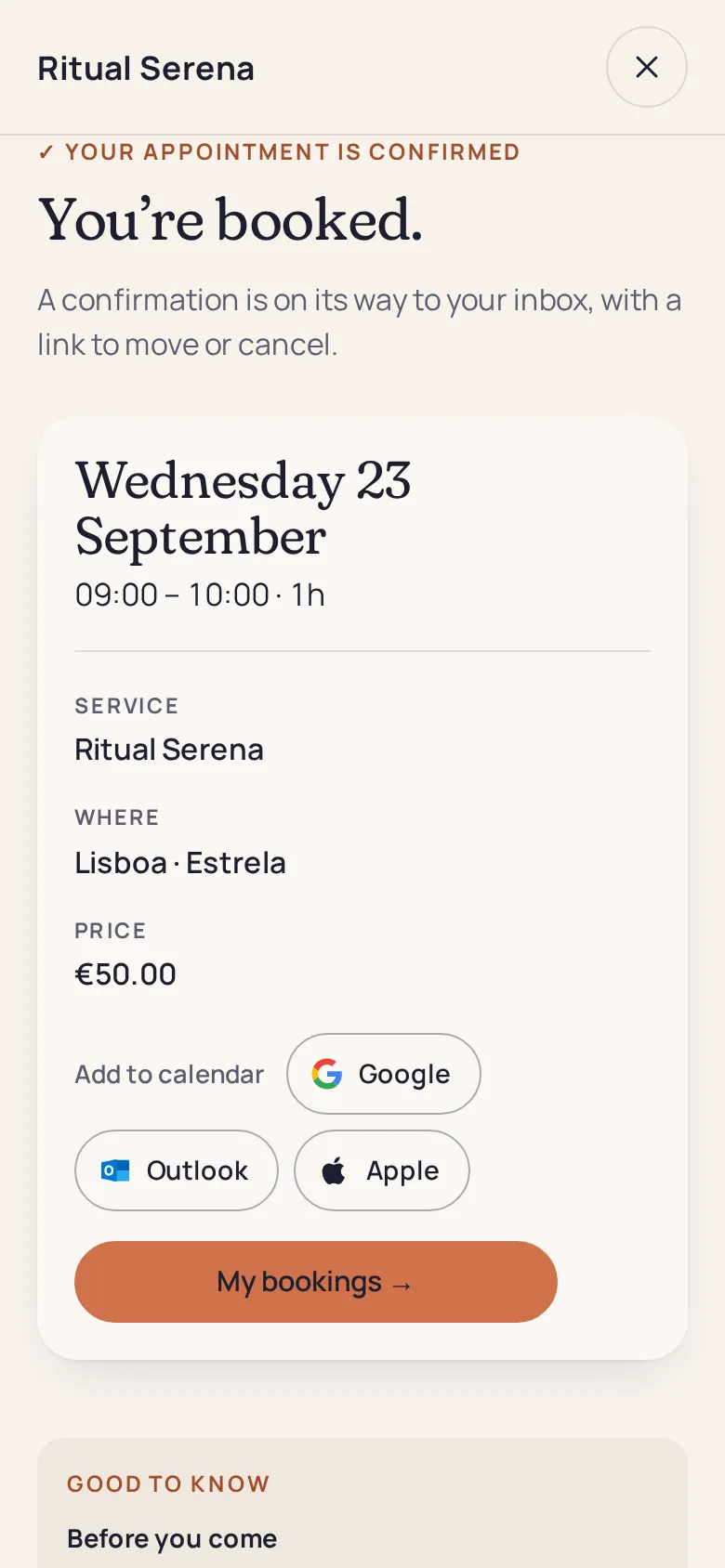
Your customer immediately sees the amount paid, date and time. You see the same confirmed appointment in your calendar, with its cancellation rule.
Without one, customers book and pay on site.
Stripe deducts them from your account at its own rates. sutempo adds nothing.
Bookings continue without deposits, payable on site, and you are notified. Online payments resume when you reconnect.
sutempo takes online payment when booking; payments at the counter happen outside sutempo.
No. The payment is created on your Stripe account without a platform fee. Only Stripe’s fees apply, at its rates.
No, it is included in the free Solo plan. See pricing.
The slot is held for a limited time that you choose, then automatically becomes available if payment does not arrive.
Depending on your chosen rule, the refund is automatically returned to the customer’s card. A request you decline is always refunded in full.
Leave online payment disabled: customers book and pay at their appointment.
Yes, with Pro: sold online or at the counter, then deducted at each booking.

Connect your Stripe account and request your first deposit today.