A website is expensive
Having a website built just to take appointments means a budget and maintenance.
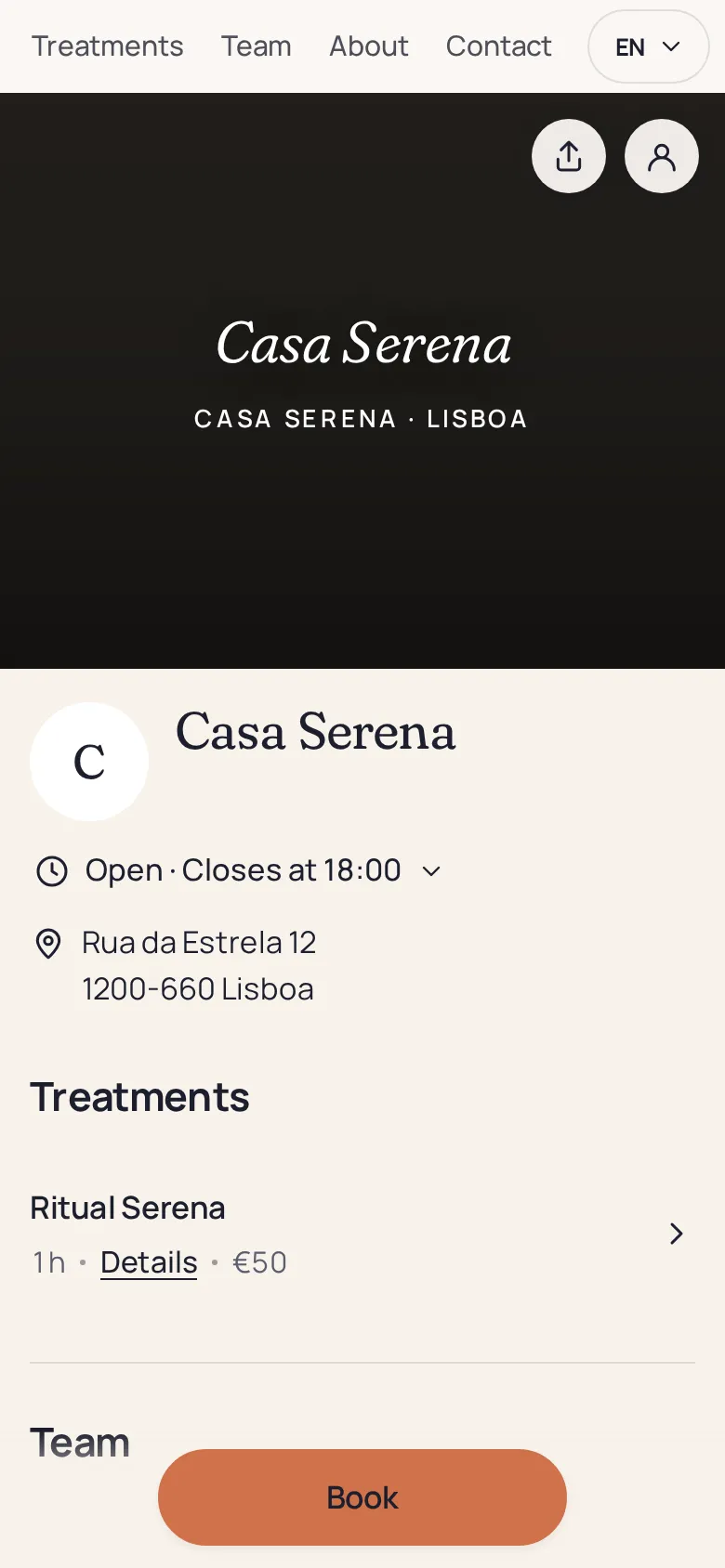
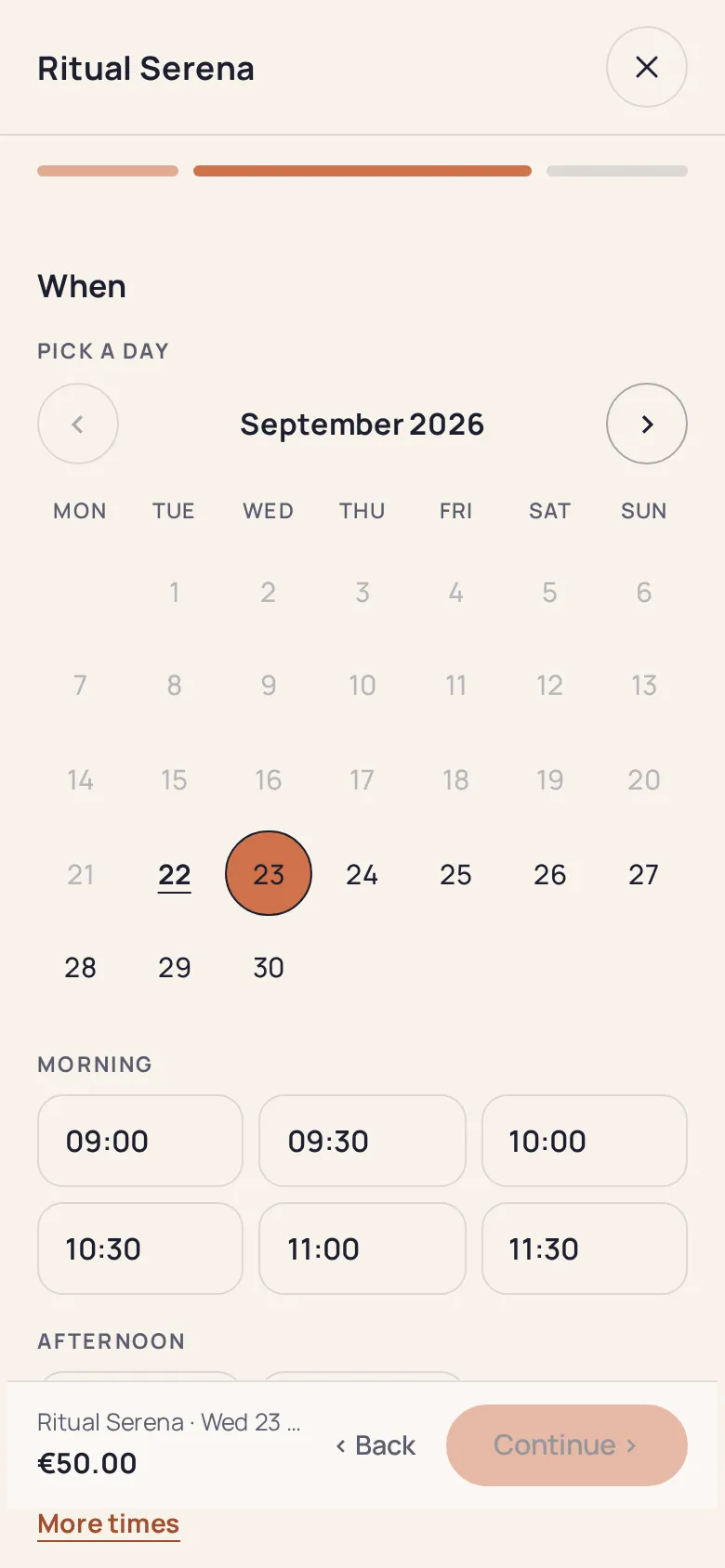
Your logo, colours, photos and services, at an address under your name. Customers see available slots and book in a few taps.
No payment card required0% commission
Between expensive websites, messaging and marketplaces, your customers get lost along the way.
Having a website built just to take appointments means a budget and maintenance.
“Message me to book” loses customers who are in a hurry.
Your listing sits beside competitors, and every customer costs a commission.
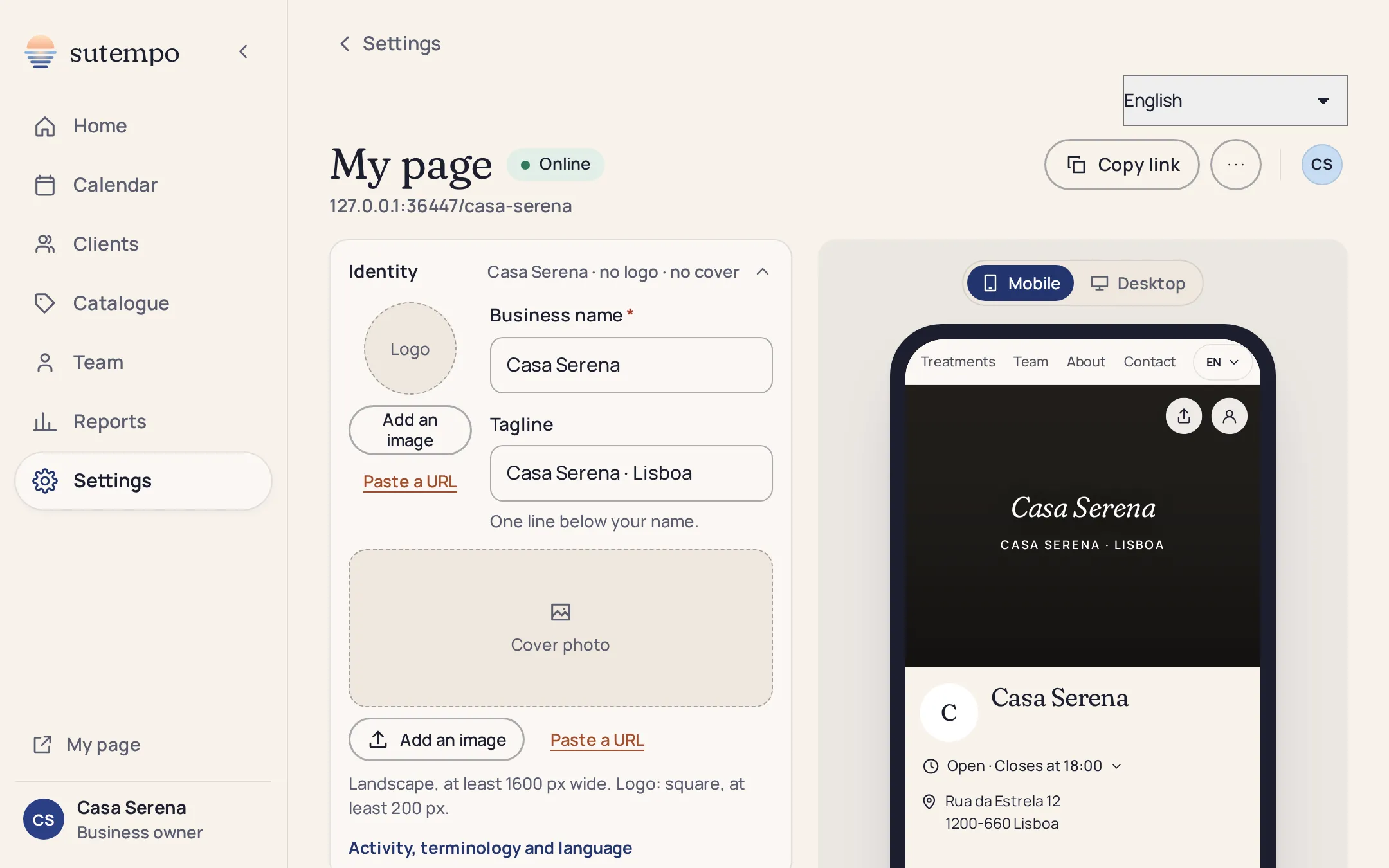
Preset colours and styles to get started quickly, detailed settings for those who want them. The preview stays visible as you edit, on desktop and phone.
Name, tagline, logo, cover and colour: every setting appears instantly in the mobile or desktop preview. Here is Maison Rivière’s page, a hair salon in Lyon’s 2nd district.
The initial questionnaire fills in the essentials. Adjust the rest under “My page”.
Your profession, services and opening hours: the page is built from your answers.
Lowercase letters, digits and hyphens. It is used for your link and QR code.
Logo, colour, style, photos, tagline, Instagram link and Google reviews link.
Copy the link for your bio, download the QR code for your counter.
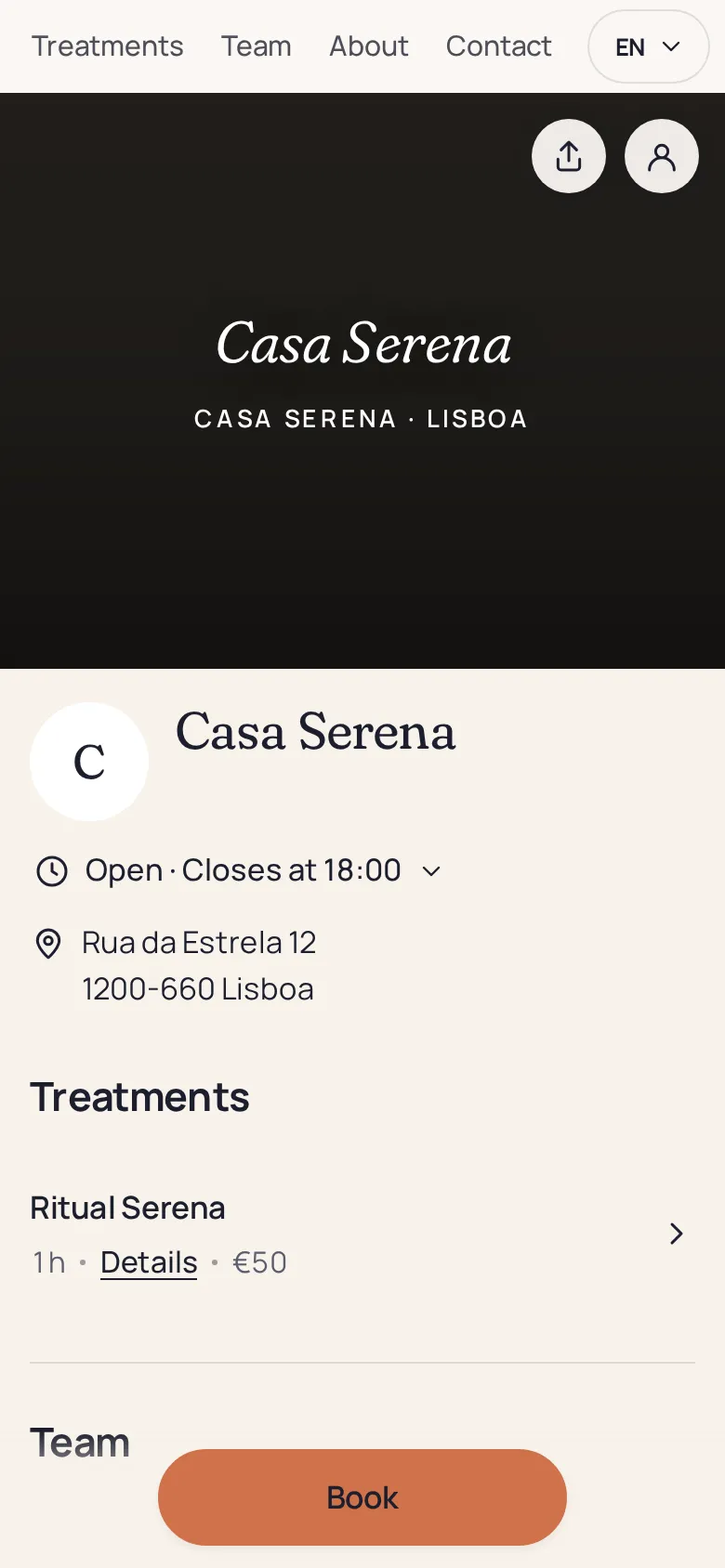
The page, the slot, the confirmation. Here is Maison Rivière’s actual page, as customers see it on their phones.
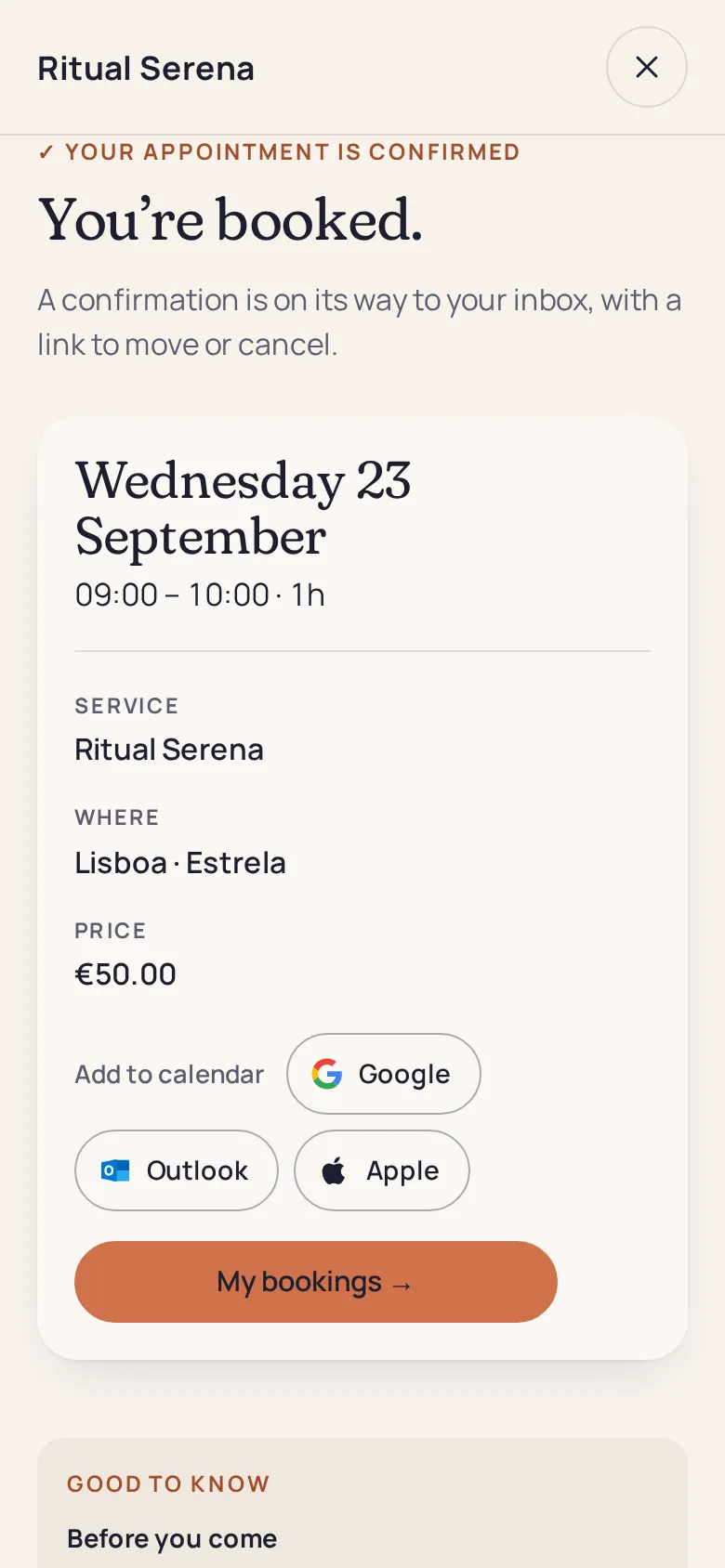
The same booking page, styled by each business: a beauty studio, a yoga studio, a coach.
The page lives at your sutempo.com address. On your own domain, add a link to it, or the widget with Pro.
Pages and emails in multiple languages are part of Pro.
Printed QR codes and posts pointing to the old address are not redirected.
Your page is not listed beside competitors: it is up to you to share it.
Yes, with Solo, with unlimited appointments and no commission. You pay only if you move to Pro. See pricing.
An address under your name on sutempo.com, which you choose, such as sutempo.com/maison-riviere.
Yes: copy the link from “My page” and paste it in your bio or Google Business Profile. A QR code is also ready to print. Booking from Instagram and Google.
Yes, at any time. The link displays “page unavailable”, while your settings and appointments are kept.
Add a button to your page, or embed the booking widget directly in your website with Pro.

Choose your address, style your page, share the link.